Getting an AI workflow into production can feel like the finish line. The automation works, the team has tested it, employees know how to use it, and the first results look promising. Once that happens, it is easy for everyone to move on to the next project.
That is often where a new problem begins. Once an AI workflow becomes part of everyday operations, someone needs to own it—not just the software subscription or technical setup, but the actual business process. Someone should know whether the workflow is still producing the right results, whether the underlying process has changed, and whether the AI still needs the same level of access or oversight.
If nobody can answer those questions, a useful workflow can slowly become an unreliable one without anyone noticing.
Launch Is the Beginning, Not the End
AI workflows do not always remain static after implementation because the business around them keeps changing. Employees may start using the system differently, source information may be updated, customer expectations can shift, and connected applications may change how they work.
A workflow can continue running even when it is becoming less useful. The automation may still trigger at the right time and produce an output, but that does not necessarily mean the result is still accurate, relevant, or valuable.
That is why "Is it working?" should mean more than "Did the automation run?" The better questions are whether the output is still useful, whether employees trust it, whether exceptions are increasing, and whether the workflow still supports the original business goal.
Those questions require ownership.
Technical Ownership and Business Ownership Are Different
One of the easiest mistakes to make is assuming the person who built the workflow should automatically own it forever. That may work in some situations, but technical ownership and business ownership are not always the same thing.
A developer or IT person may understand the integrations, permissions, and logic behind the workflow, but they may not know whether the output is appropriate for the business. A marketing manager may understand what a good customer response should sound like but may not know why data stopped moving between systems.
In many cases, AI ownership works best when both responsibilities are clear. Someone needs to own the technical side, including integrations, reliability, permissions, and system changes. Someone also needs to own the business outcome and ask whether the workflow is still accomplishing what it was designed to do.
In a smaller company, those responsibilities may belong to the same person. The important part is that everyone knows who is responsible.
Someone Has to Own the Outcome
Imagine an AI workflow that reviews incoming leads, summarizes the information, and routes each lead to the appropriate salesperson. Technically, the workflow may be functioning perfectly, but employees begin noticing that certain leads are consistently being sent to the wrong person.
The developer may say the automation is working exactly as it was configured. Sales may say the results are creating problems. Operations may assume someone else is fixing it.
That is why the owner of an AI workflow should not only be responsible for whether it runs. Someone needs to own the business result.
If the workflow is supposed to improve lead handling, then the real question is whether lead handling is better. If AI helps draft customer communications, someone needs to care about the quality and accuracy of those messages. If it summarizes reports for leadership, someone should confirm that the summaries still contain the information leaders actually need.
AI Workflows Need Maintenance
Automation does not eliminate maintenance. It usually changes the type of maintenance required.
Suppose an AI workflow relies on company policies, product descriptions, pricing information, internal documents, or other reference material. When that information changes, the workflow may need to change too. Otherwise, it can continue producing answers based on information that is no longer current.
The same thing can happen when business processes change. A company might adjust how leads are assigned, add a new approval step, change a customer policy, or restructure a department. If the AI workflow is still operating according to the old process, it may slowly become disconnected from the way the business actually works.
Maintenance should be expected as part of the life of the workflow, not treated as an unusual event.
Someone Needs to Watch the Exceptions
Most AI workflows have situations they do not handle perfectly. A request may be unusual, information may be missing, two systems may disagree, or the AI may not be confident enough to make a useful recommendation.
Those cases often require a person to step in. When a workflow first launches, teams usually watch those exceptions closely, but that attention can fade over time.
If nobody owns exception handling, employees may begin creating informal workarounds. They may fix problems manually without reporting them, or stop trusting the automation even though leadership still believes it is working well.
Exceptions can be extremely useful because they show where the process needs improvement. If the same type of issue keeps appearing, that may be a sign that the instructions need to change, the data needs to improve, or the AI is being asked to handle something it is not well suited for.
Ownership Includes Access and Permissions
AI workflows may connect to email, CRM systems, file storage, internal databases, project platforms, or other business applications. Those connections also need an owner.
Someone should know what the workflow can access, why it needs that access, and whether the permissions are still appropriate. If the workflow is retired, someone should remove the connection. If an employee who managed the system leaves, their access should be reviewed just like access to any other business application.
These are operational and cybersecurity concerns. An AI workflow should not keep broad access to company information simply because nobody remembered to revisit the permissions after launch.
What Happens When the Business Changes?
Every AI workflow should have an answer to a simple question: who needs to know when the underlying process changes?
If marketing changes how leads are categorized, does anyone tell the person responsible for the AI workflow? If HR updates a policy used by an internal AI assistant, does someone update the source information? If a software vendor changes an integration, who checks whether the automation still works correctly?
Changes that appear unrelated to AI can still affect the workflow. Good ownership creates a connection between the people changing the business process and the people maintaining the AI.
Without that communication, workflows can quietly become outdated.
Document More Than the Technical Setup
Good documentation should explain more than how the automation was built. Someone should also be able to understand why it exists and what it is supposed to accomplish.
Useful documentation might explain what business problem the workflow solves, what triggers it, what systems it uses, what the AI is expected to do, when a person needs to step in, and what happens if the workflow fails. It should also identify who owns the process and who is responsible for technical support.
That information becomes especially important when employees change roles or the original builder leaves. Without it, the company can end up with an automation that still runs but nobody fully understands.
Review the Workflow on Purpose
AI workflows should have some form of regular review, but the amount of oversight should match the importance and risk of the process.
A low-risk internal drafting tool may need very little attention. A workflow that communicates with customers, handles sensitive information, or takes actions inside business systems may deserve more frequent review.
Those reviews can look at output quality, recurring errors, employee feedback, permissions, costs, and whether the workflow is still meeting the original goal. The point is not to create more meetings. It is to make sure the workflow is being evaluated intentionally rather than only after something goes wrong.
Ownership Makes Scaling Easier
Clear ownership becomes even more important as a company adds more AI. One workflow is easy to remember. Ten are harder. Twenty-five can turn into a mix of prompts, integrations, accounts, and automations that nobody fully understands.
Without ownership, businesses can end up with AI sprawl. A tool may still be paid for even though nobody uses it. An integration may still have access to company data even though the original project ended months ago. Employees may know an automation exists but not who maintains it.
Assigning ownership from the beginning makes it much easier to keep the environment organized as AI use grows.
Ask the Ownership Question Before Launch
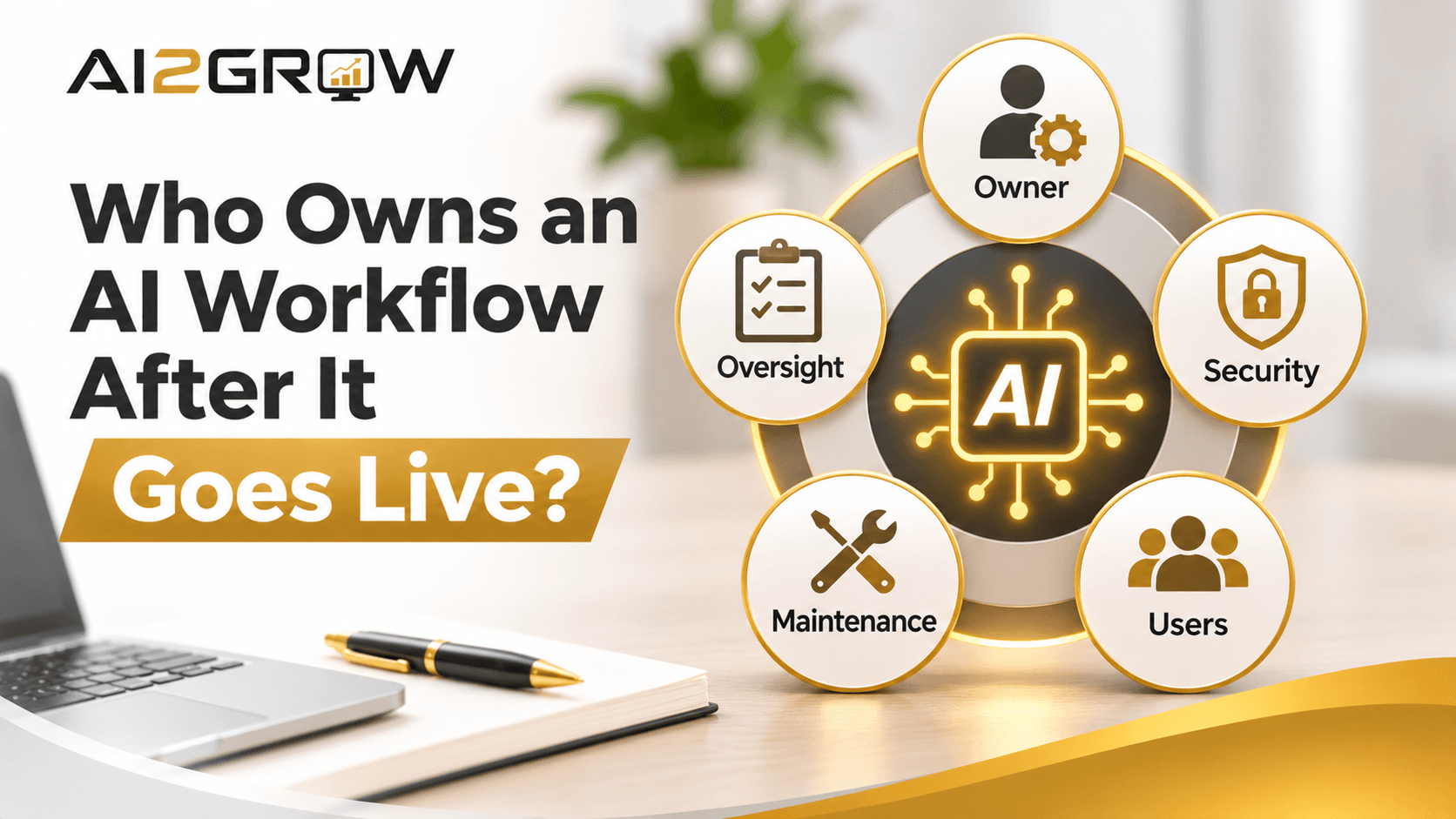
Businesses should not wait until an AI workflow breaks to decide who owns it. Before launch, clarify who owns the business outcome, who maintains the technical system, who handles exceptions, who reviews permissions, and who decides when the workflow should be updated or retired.
The answers do not need to be complicated. They simply need to be clear.
AI can automate work, organize information, draft content, route requests, and take increasingly sophisticated actions, but automation does not eliminate accountability. Someone still needs to care whether the process is accomplishing what the business intended.
Launching an AI workflow is not the end of the project. It is the beginning of operating it.
Ready to implement AI the right way?
Let's have an honest conversation about your business and whether we're the right fit.
Schedule a Strategy Call →