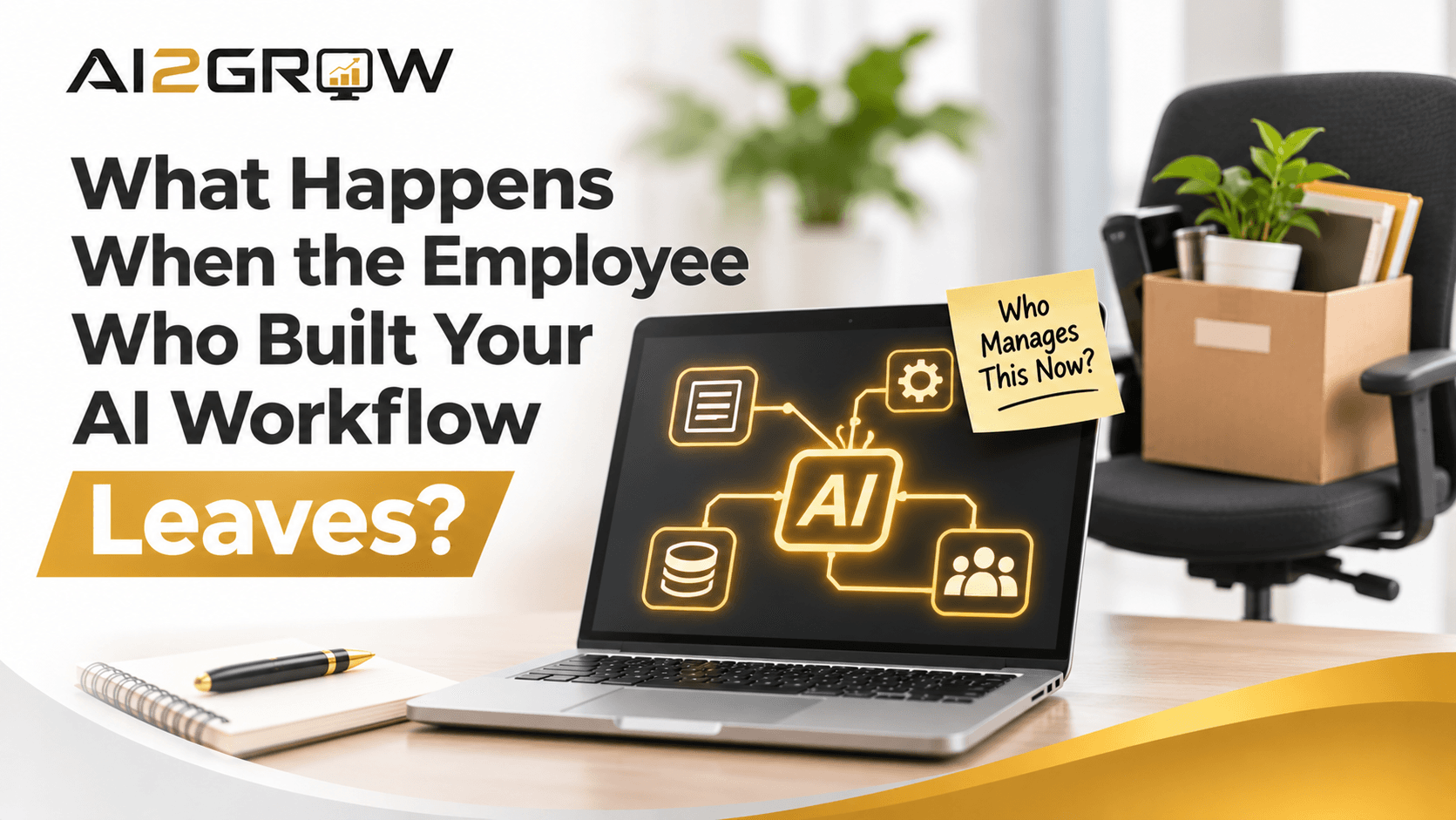
Someone on your team discovers an AI tool, experiments with it, builds a useful workflow, connects a few systems, refines the prompts, and slowly turns it into something the rest of the company depends on.
Then that employee leaves.
Suddenly, nobody knows exactly how the workflow works. The account may be tied to their email address, the prompts may live in a private document, and an API connection may have been created using credentials nobody else recognizes. There may even be an automation running in the background that the rest of the team knows very little about.
This is becoming a new version of an old business problem: important company knowledge living inside one person's head. AI can make that problem more complicated because the knowledge may be spread across several tools, integrations, prompts, accounts, and systems.
Useful AI Can Become Business-Critical Quickly
An AI workflow often begins as an experiment. One employee creates something to save themselves twenty minutes a day, another person starts using it, and before long the department begins relying on it.
Eventually, nobody thinks of it as an experiment anymore. It has quietly become part of the business process.
The problem is that the documentation and ownership around the workflow may not grow at the same speed. The company may know what the workflow does without knowing how it does it or what would happen if something changed.
If one employee is the only person who knows how to fix, update, or even access the workflow, the business has created a continuity risk.
The Risk Is Bigger Than Losing a Prompt
When people think about documenting AI, they often think about prompts first. Prompts matter, but an operational AI workflow may contain much more than that.
It might include AI platform accounts, automation tools, API connections, credentials, data sources, templates, approval rules, routing logic, scheduled processes, or custom code. Some of those pieces may live in completely different systems.
If the employee who built the workflow leaves, the business may discover that nobody has a complete picture. The automation may continue running for a while, which can create a false sense of security.
The real problem often appears the first time something changes and nobody knows how to fix it.
Company Work Should Not Depend on Personal Accounts
One of the first things businesses should look at is account ownership.
Employees often begin experimenting with AI using personal accounts because it is quick and easy. That may be acceptable for limited learning with non-sensitive information, depending on company policy, but it becomes a problem when an important business process is built around that account.
If an automation, AI assistant, or workflow is tied to an employee's personal login, the business may lose control when that person leaves. The same concern applies to connected automation tools and other services used to keep the workflow running.
Once an AI workflow becomes important to operations, the necessary accounts, subscriptions, and administrative access should be appropriately controlled by the company.
Credentials Need to Be Managed Properly
AI workflows increasingly connect to other systems, which may require API keys, authentication tokens, service accounts, or other credentials. Those credentials should not live only in one employee's notes, browser, or personal password manager.
Businesses should know what credentials the workflow uses, where they are stored, and who has authority to manage them. This is not only a continuity issue. It is also a cybersecurity issue.
When an employee leaves, their access should be removed just as it would be for other company systems. If the workflow depends on credentials associated with that individual, those connections may need to be reviewed, transferred, or replaced.
A functioning automation should never become a reason to leave former employee access active.
Document What the Workflow Is Supposed to Do
Technical documentation is useful, but business context matters just as much.
Imagine inheriting an AI workflow with no explanation. You may be able to see that it reads an incoming form, summarizes the information, and sends something to the CRM, but that does not tell you why the workflow exists or what a correct result should look like.
What information is supposed to be included? What happens if the form is incomplete? When should a person intervene? Which team receives the result? What does the workflow do if it cannot complete the task?
Without that context, maintaining the workflow becomes guesswork.
A good handoff should explain the purpose of the automation, not merely the technical steps.
Write Down the Important Instructions
AI workflows often depend on instructions that have been refined over time. Someone may have spent weeks adjusting wording, adding examples, improving output formats, or creating rules for different situations.
That work should not disappear when they leave.
Businesses should know where important prompts, system instructions, reference material, and configuration details are stored. Ideally, those materials should live somewhere the company controls and appropriate team members can access.
Version history can also be valuable. If a prompt changes and results suddenly get worse, being able to see what changed can save a lot of troubleshooting.
Know What Systems Are Connected
Another important part of documentation is understanding what the AI can access.
Does it read email? Pull data from a CRM? Access documents? Update records? Send messages? Reach customer information?
The company should know which permissions belong to the individual and which belong to the workflow itself. That makes it much easier to review access when someone leaves, but it also helps the business understand the security risk while the workflow is active.
Knowing what a workflow can access should not depend on the memory of the person who created it.
Do Not Wait for Someone to Leave
The worst time to document an AI workflow is during an employee's final week. By then, everyone is already busy with handoffs, and important details are easily missed.
Documentation should happen while the workflow is being built and refined. That does not mean every experiment needs a fifty-page technical manual.
The amount of documentation should match the importance of the workflow. A simple personal productivity prompt may need almost none. An automation used every day by multiple employees and connected to customer information deserves much more attention.
The more dependent the business becomes on the workflow, the more important it is that the knowledge around it belongs to the organization rather than one person.
Cross-Training Matters Too
Documentation helps, but it is not always enough. Someone else should have at least a basic understanding of important workflows.
That person does not need to know how to rebuild everything from scratch. They should know where the documentation lives, which tools are involved, what the normal process looks like, and who to contact for technical help if something fails.
This is useful for more than employee departures. It also helps when the original builder is out sick, on vacation, or simply unavailable when a problem occurs.
A critical business process should not stop because one person is out of the office.
Have a Manual Fallback
Another useful question is what happens if the workflow stops tomorrow.
If employees cannot perform the underlying process without the AI, the company may have created a new single point of failure.
Not every workflow needs an elaborate disaster recovery plan, but important processes should have a reasonable fallback. Employees should know how to complete the work manually, where the source information lives, and how to reroute requests temporarily if needed.
The manual process may be slower, and that is fine. The goal is continuity, not perfection.
Include AI in Offboarding
Employee offboarding processes increasingly need an AI component.
When someone leaves, businesses should consider which AI platforms they used, what automations they created, which integrations they managed, whether company workflows are tied to their accounts, where prompts and documentation are stored, whether credentials need to be changed, and who will take ownership.
This is especially important for employees who experimented heavily with AI or built internal tools.
Businesses may not realize how much operational knowledge those employees have accumulated until they are about to leave.
The Bigger Lesson Is About Business Continuity
This is not really an article about employee turnover. It is about operational resilience.
Every business has people who know more about certain processes than anyone else. AI can amplify that dependency if one person becomes the creator and caretaker of multiple automated workflows.
The solution is not to discourage employees from experimenting. Those employees may be creating tremendous value.
The goal is to make sure that value becomes part of the company instead of remaining attached to one individual.
Look at the AI workflows your company relies on today and ask one simple question: if the person who built this disappeared tomorrow, could we keep it running?
Could someone find the accounts, understand the purpose, access the prompts, identify the integrations, manage credentials, handle failures, and recognize when the output is wrong?
If the answer is no, the workflow may need more documentation and shared ownership.
AI can make a company more efficient, but it should not make the business more fragile in the process.
Ready to implement AI the right way?
Let's have an honest conversation about your business and whether we're the right fit.
Schedule a Strategy Call →