AI tools are usually sold with a simple promise: save time.
Draft the email faster. Summarize the meeting automatically. Generate the report. Answer the customer. Organize the data. Automate the repetitive task.
And sometimes they do exactly that.
But there is another side to AI adoption that businesses do not always measure.
What happens after the AI does its part?
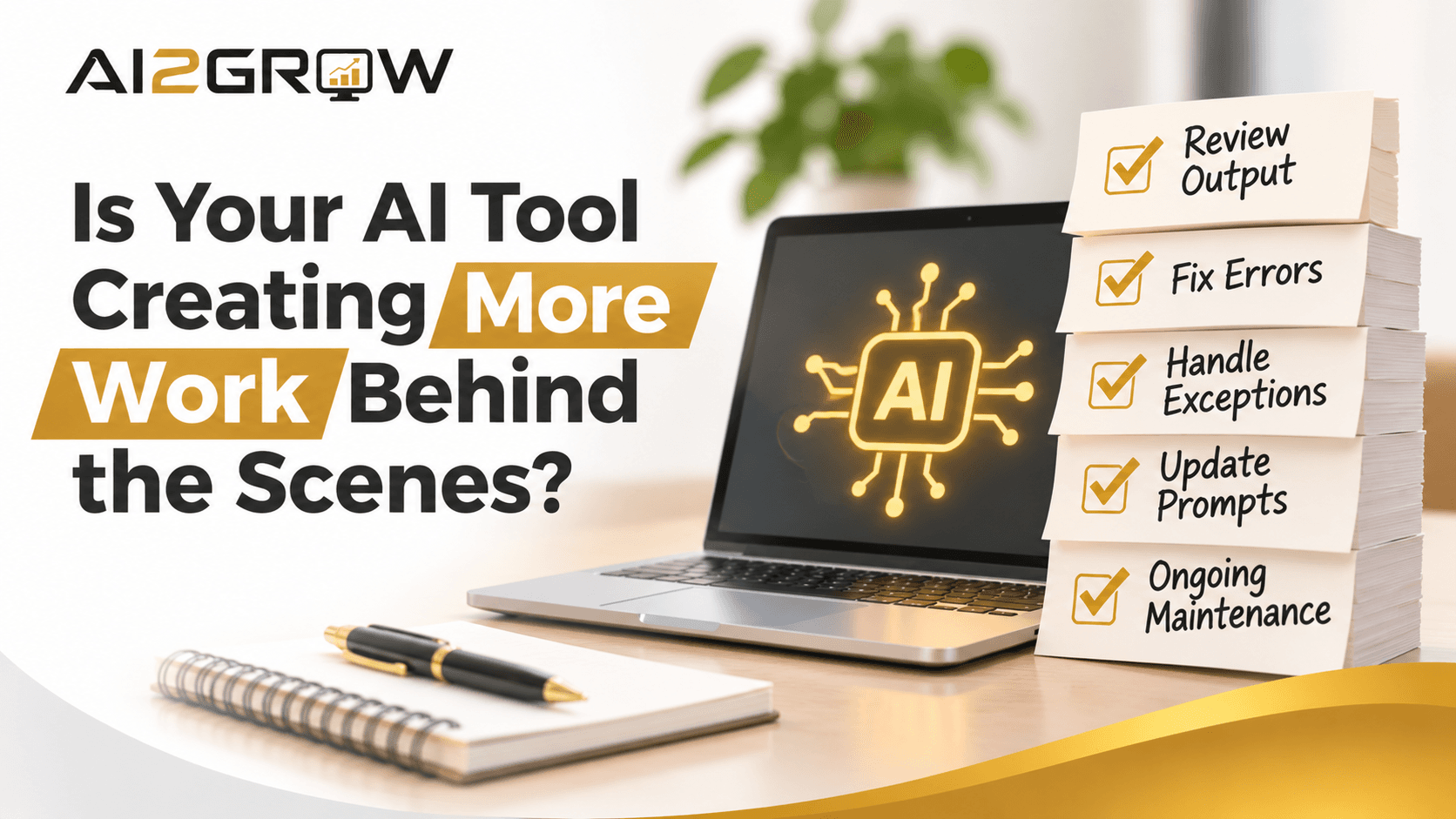
Someone may need to review the output. Fix formatting. Correct information. Handle exceptions. Move the result into another system. Rewrite a customer response. Troubleshoot an integration. Update the prompt when the process changes.
Suddenly, the five-minute AI task has another twenty minutes of work attached to it.
This does not mean the AI tool is bad.
It means the business needs to look at the whole workflow, not just the step AI makes faster.
The Demo Is Usually the Easy Part
AI can look impressive in a demonstration.
You provide information, click a button, and a polished result appears.
Real business processes are rarely that clean.
Customer information may be incomplete. Employees may enter data differently. An integration may occasionally fail. The AI may produce an answer that is technically correct but inappropriate for the situation.
That is when the hidden work begins.
Someone has to notice the problem and decide what to do.
This is one reason a tool that looks like a huge time saver during a demo may produce much smaller gains after implementation.
The business should measure what happens in actual use, not only what the AI can do under ideal conditions.
Review Time Is Still Work
One of the most common hidden costs is human review.
Suppose AI drafts customer emails.
Before AI, an employee spent ten minutes writing each message.
Now the AI creates the draft in thirty seconds.
That sounds like a dramatic improvement.
But if the employee spends six minutes checking the details, correcting the tone, removing inaccurate statements, and adjusting the message, the actual savings are closer to four minutes.
That may still be worth doing.
The mistake is measuring thirty seconds against ten minutes and calling it a 95 percent reduction in work.
The review is part of the process.
Businesses need to include it.
Some AI Systems Create Cleanup Work
AI can also generate outputs that require cleanup before they are usable.
Maybe the content needs to be reformatted.
Maybe information must be copied into another platform.
Maybe the AI uses inconsistent categories.
Maybe it generates extra information employees have to remove.
Maybe the final result still needs to be entered manually into a CRM, accounting system, project platform, or internal database.
Each individual step may seem small.
Across hundreds or thousands of transactions, those small steps matter.
An AI workflow should be evaluated based on how much manual handling remains after the AI finishes.
Watch for Exception Work
Another hidden cost is exception handling.
Automation usually works best when the situation follows a predictable pattern.
Businesses do not always operate that way.
A customer asks an unusual question. A record is missing information. Two systems disagree. An invoice has an unexpected format. A prospect replies with something the workflow did not anticipate.
Now a person has to step in.
The more exceptions a process produces, the more human attention it requires.
This is not necessarily a reason to avoid automation. A workflow that successfully handles 80 percent of routine cases may still create enormous value.
But the remaining 20 percent needs somewhere to go.
Who receives those exceptions?
How are they notified?
Do they have enough context to understand what happened?
Can they resolve the issue easily?
If the answer is no, an automated process can create an entirely new category of work.
Someone Has to Maintain the AI
AI workflows are not always "set it and forget it."
The business changes.
Products change. Pricing changes. Policies change. Employees change. Customer expectations change. Software systems change.
An AI workflow built around last year's process may gradually become less useful.
Someone needs to own it.
That may involve updating instructions, testing outputs, reviewing integrations, adjusting permissions, adding new information, or changing how exceptions are handled.
If nobody knows who is responsible, the workflow can slowly become unreliable.
This maintenance work should be part of the original AI business case.
Prompt Babysitting Is a Warning Sign
Some businesses discover that employees spend almost as much time trying to get the AI to produce the right answer as they would have spent doing the task themselves.
They rewrite prompts.
Then they add more instructions.
Then they explain what the AI misunderstood.
Then they regenerate the answer.
Then they edit it manually anyway.
At that point, it is fair to ask whether the workflow is actually helping.
This does not necessarily mean AI cannot solve the problem.
It may mean the process needs to be redesigned, the tool is not a good fit, the instructions are unclear, or the task requires more judgment than originally expected.
Repeatedly fighting with an AI system is not automation.
It is another form of manual work.
Bad Integrations Can Erase the Benefit
AI often becomes much more useful when it connects with the systems a business already uses.
Without those connections, employees may end up doing the integration themselves.
They copy information out of one program, paste it into the AI tool, copy the result, and paste it somewhere else.
This can still save time in certain situations, but it is not always scalable.
It can also create more opportunity for errors.
When evaluating an AI solution, ask what the complete flow looks like.
Where does the information come from?
How does it reach the AI?
Where does the output go?
What happens if the connection fails?
How much copying and pasting is still required?
Those questions often reveal whether the workflow is genuinely streamlined.
Measure the Process Before and After
One of the simplest ways to avoid hidden AI work is to measure the workflow.
Before implementing AI, understand how the task works today.
How long does it take?
Who is involved?
How many handoffs are there?
How often do exceptions occur?
What errors or delays are common?
Then measure again after AI is introduced.
Do not only measure how fast the AI produces its output.
Measure the entire process from beginning to end.
Maybe the original process took twenty minutes.
The AI portion now takes two.
But review, corrections, data entry, and exception handling take another ten.
The actual process is twelve minutes.
That is still a 40 percent improvement, which may be excellent.
More importantly, it is real.
Look at Quality, Not Just Speed
Time savings are only valuable if the quality remains acceptable.
A process that becomes twice as fast but creates more mistakes may not be an improvement.
The same is true if employees have to spend significant time correcting those mistakes later.
Businesses should decide what good output looks like before evaluating the AI.
What needs to be accurate every time?
What can tolerate minor variation?
What requires human approval?
What happens when the AI is uncertain?
The answers will depend on the task.
A brainstorming tool and a financial workflow should not have the same quality requirements.
Ask Employees What Is Actually Happening
Leadership may believe an AI tool is saving time while employees experience something completely different.
That is why feedback from the people using the system matters.
Ask them:
What part is genuinely faster?
What new work did the tool create?
What do you still have to fix manually?
Where does it get confused?
Which exceptions take the most time?
What do you wish the workflow did differently?
Employees often notice inefficiencies long before they appear in a formal report.
Their feedback can reveal whether the solution needs to be improved, replaced, or simply used differently.
Sometimes the Answer Is to Redesign the Process
An AI tool may not be the problem.
The underlying process may be.
If a workflow includes unnecessary approvals, duplicate data entry, inconsistent information, or unclear ownership, adding AI may simply automate part of a messy system.
Before adding more prompts or more tools, look at the process itself.
Are all of these steps necessary?
Could information be captured differently?
Could two systems be connected?
Could an approval happen only for exceptions?
Could the AI handle a narrower part of the process more reliably?
Sometimes removing unnecessary work creates more value than trying to automate it.
The Goal Is Net Improvement
AI does not need to eliminate all human effort to be worthwhile.
It may reduce a three-hour task to one hour.
It may help an employee handle routine work faster while allowing them to spend more time on complex cases.
It may improve consistency even if the total time savings are modest.
Those are all legitimate benefits.
The important thing is to evaluate the net result.
After review, corrections, exceptions, maintenance, and manual handoffs are included, is the business better off?
Is the process faster?
Is the quality better?
Are employees able to focus on more valuable work?
Has the customer experience improved?
Has risk increased or decreased?
Those questions provide a much clearer picture than simply asking whether the AI itself is fast.
AI Should Reduce Friction, Not Move It Somewhere Else
A successful AI workflow should make the overall process easier.
If employees save ten minutes in one step but spend those ten minutes fixing problems somewhere else, the business has not really gained much.
That is why AI projects should be judged by the entire workflow.
Look beyond the impressive output.
Follow the process all the way to the end.
You may discover that the tool is creating meaningful capacity.
You may also discover that the "time savings" are being quietly consumed by work nobody measured.
Either result is useful to know.
Because the goal of AI is not simply to make one step look faster.
It is to make the business work better.
Ready to implement AI the right way?
Let's have an honest conversation about your business and whether we're the right fit.
Schedule a Strategy Call →