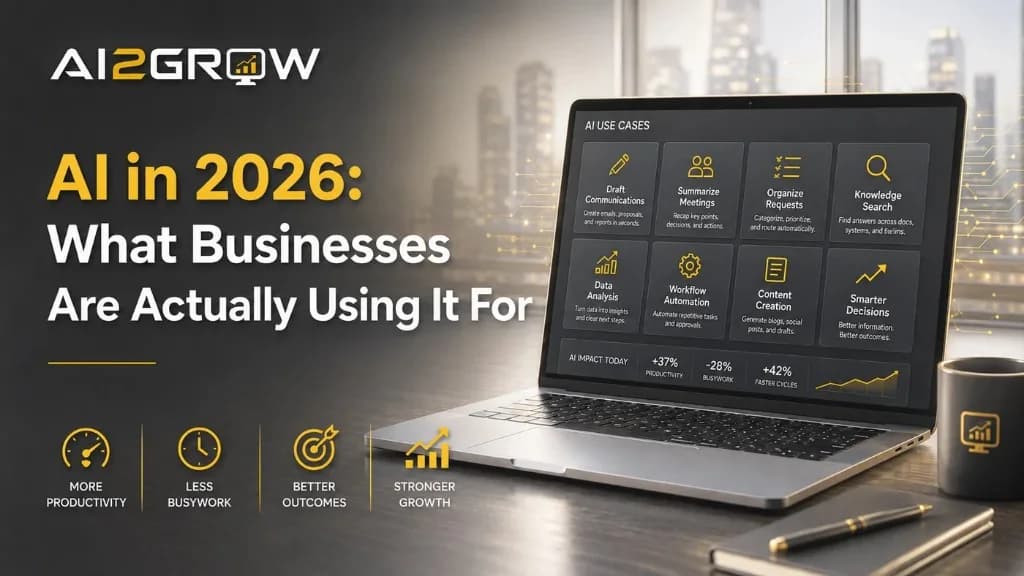
AI is everywhere in 2026, but many business leaders are still asking the same practical question:
What are companies actually using it for?
The answer is usually less dramatic than the headlines suggest.
Most businesses are not replacing entire departments or handing major decisions over to autonomous systems. They are using AI to reduce repetitive work, organize information, improve communication, and help employees complete everyday tasks more efficiently.
The most successful uses tend to start with a clear business problem—not a desire to adopt AI simply because it is new.
What Does "Using AI" Actually Mean?
For most businesses, AI is not a robot operating independently.
It is usually software that can:
- Generate or revise content
- Summarize documents and meetings
- Answer questions using approved information
- Identify patterns
- Organize incoming requests
- Support repetitive workflows
Some companies use stand-alone AI assistants. Others use AI features already built into their business software. More advanced organizations may connect AI to several systems as part of an automated process.
The technology may differ, but the goal is generally the same: help people complete specific work faster, more consistently, or with better information.
Here are ten practical ways businesses are using AI today.
1. Drafting Routine Communications
AI can create first drafts of emails, reports, proposals, job descriptions, internal announcements, and customer follow-ups.
The most effective process is still collaborative: AI produces a starting point, and an employee checks the accuracy, tone, and context before approving the final version.
This reduces time spent staring at a blank page without removing human responsibility.
2. Summarizing Meetings
AI-powered meeting tools can organize notes, identify decisions, list action items, and draft follow-up messages.
This is especially useful for recurring meetings, sales calls, project reviews, and client conversations.
Employees should still confirm deadlines, commitments, and assigned tasks, since AI can misunderstand context or attribute a comment to the wrong person.
3. Searching Internal Company Knowledge
Employees often spend too much time searching through folders, emails, policies, and old documents.
An AI-powered knowledge tool can help them ask questions such as:
- What is the process for onboarding a new client?
- Where is the current pricing sheet?
- What does the company policy say about this issue?
This works best when the source information is accurate and organized. If the company's documentation is outdated, AI may simply deliver the wrong answer faster.
4. Assisting With Customer Communication
AI can help draft responses to common customer questions involving scheduling, service processes, product information, or basic troubleshooting.
The level of human review should depend on the risk involved. A routine scheduling question may need little oversight, while a complaint, pricing issue, or sensitive customer situation should be handled by a person.
5. Organizing Incoming Requests
Businesses receive requests through shared inboxes, website forms, help desks, and internal messaging systems.
AI can help categorize those requests by topic, urgency, department, or required expertise. It may also summarize a long message before routing it to the appropriate employee.
This can reduce administrative sorting, although employees still need to review exceptions and urgent situations.
6. Supporting Sales Research and Follow-Up
AI can help sales teams prepare for conversations by summarizing discovery notes, organizing company research, drafting follow-up emails, and identifying unanswered questions.
Its greatest value is often in preparation and organization—not making promises or deciding what a prospect should buy.
The salesperson still owns the relationship, recommendation, and final communication.
7. Creating Marketing Content
Marketing teams use AI to brainstorm ideas, develop first drafts, repurpose long-form content, create headline options, and organize campaign themes.
The risk is that AI-generated content can become generic or inaccurate when published without meaningful human input.
It works best as a support tool for someone who already understands the audience, strategy, and company voice.
8. Analyzing Business Information
AI can help summarize reports, compare time periods, highlight unusual changes, and explain trends in plain language.
A leader might use it to review ticket patterns, sales activity, project performance, customer feedback, or operational metrics.
The AI should not be treated as the source of truth. The underlying data still needs to be accurate, and leadership must decide what the findings mean.
9. Automating Administrative Workflows
AI becomes more useful when connected to a clearly defined process.
For example, a workflow might:
- Receive a form or email.
- Extract important information.
- Categorize the request.
- Create a task.
- Draft a response for approval.
This can help with onboarding, scheduling, document intake, reporting, and data entry.
However, businesses should avoid automating a process that is already inefficient or poorly understood. AI can make a bad process faster without making it better.
10. Helping Employees Learn
AI can explain unfamiliar concepts, summarize technical documents, create step-by-step instructions, and help employees prepare questions for a vendor or specialist.
This can make learning faster and more accessible.
However, important legal, financial, medical, compliance, and security questions still require qualified expertise. AI can support preparation, but it should not replace professional judgment.
Where AI Projects Go Wrong
Not every AI project produces value.
Common problems include:
- Starting with a tool instead of a business need
- Automating an inefficient process
- Using inaccurate or outdated data
- Failing to define who owns the system
- Removing human review too quickly
- Measuring activity instead of business results
- Expecting one small pilot to transform the company
An AI project can be technically impressive and still fail to improve the business.
That is why the best question is not:
What can this AI tool do?
It is:
Which business problem should this help solve?
Does Every Business Need a Major AI Initiative?
No.
A large implementation may not make sense when:
- Existing systems and processes are not being used effectively.
- The biggest challenges involve unclear roles or inconsistent procedures.
- Leadership cannot identify a measurable outcome.
- Employees perform little repetitive or information-heavy work.
- The primary motivation is fear of falling behind competitors.
In those situations, improving the process may create more value than introducing AI.
Waiting is not necessarily a sign that a business is behind. It may be a sign that leadership is being selective.
When AI Is Worth Exploring
AI deserves closer consideration when:
- Employees spend significant time searching for information.
- Teams repeatedly create similar documents or responses.
- Customer questions follow predictable patterns.
- Staff manually move information between systems.
- Leadership wants better visibility without adding more reporting work.
- A repetitive process can be clearly defined and measured.
These are not guarantees that AI is the right answer. They are signs that there may be an opportunity worth evaluating.
What to Look for Before Investing
A thoughtful AI project should include:
- A defined problem: The project should address a specific source of wasted time, delay, inconsistency, or limited visibility.
- A measurable outcome: Success might mean hours saved, fewer manual steps, faster response times, reduced errors, or better access to information.
- Reliable data: AI cannot compensate for outdated documents, conflicting information, or disorganized systems.
- Human oversight: The level of review should reflect the consequences of an incorrect result.
- A limited starting point: Small pilots allow businesses to test value before expanding.
- Clear ownership: Someone should be responsible for maintaining the process, reviewing results, and deciding whether it should continue.
The Most Valuable AI Projects Are Often the Least Dramatic
Many successful uses of AI do not make headlines.
They help an employee find an answer faster.
They reduce the time needed to prepare a report.
They organize information before a customer conversation.
They remove repetitive steps from an administrative process.
Individually, these improvements may seem modest. Across a business, they can create meaningful gains in consistency, capacity, and decision-making.
That is a more realistic picture of business AI than replacing entire teams or transforming every operation at once.
Where AI2Grow Fits
At AI2Grow, the goal is not to convince every business to launch a major AI initiative.
The process begins by identifying where work is slow, repetitive, difficult to manage, or dependent on scattered information. From there, the question is whether AI can create a measurable improvement—and whether the business is prepared to support it.
Sometimes the right answer is a focused AI tool or automated workflow.
Sometimes the company needs to improve its documentation, data, or processes first.
And sometimes AI is not the best solution.
The conversation should begin with the business problem, not the technology.
AI2Grow offers a complimentary consultation to help businesses identify practical AI opportunities, evaluate readiness, and determine which ideas are worth testing.
Ready to implement AI the right way?
Let's have an honest conversation about your business and whether we're the right fit.
Schedule a Strategy Call →